RAW culling & developing · any computer
Cull and develop RAW on any computer. Upload nothing.
A Chromebook, Linux, a work laptop, a borrowed machine: if it has a browser, it opens your CR3, NEF and ARW files. Keep the frames that work, develop them, and leave with JPEGs or files ready for Lightroom. Free to cull, nothing to install, and your photographs never leave the computer.
Rawnd runs on a desktop browser: it needs access to the folder your RAW files are in. Open this page on your computer. Or view and convert them on this phone →
Your browser will ask permission to open the folder. Nothing leaves it: Rawnd has no server to send it to.
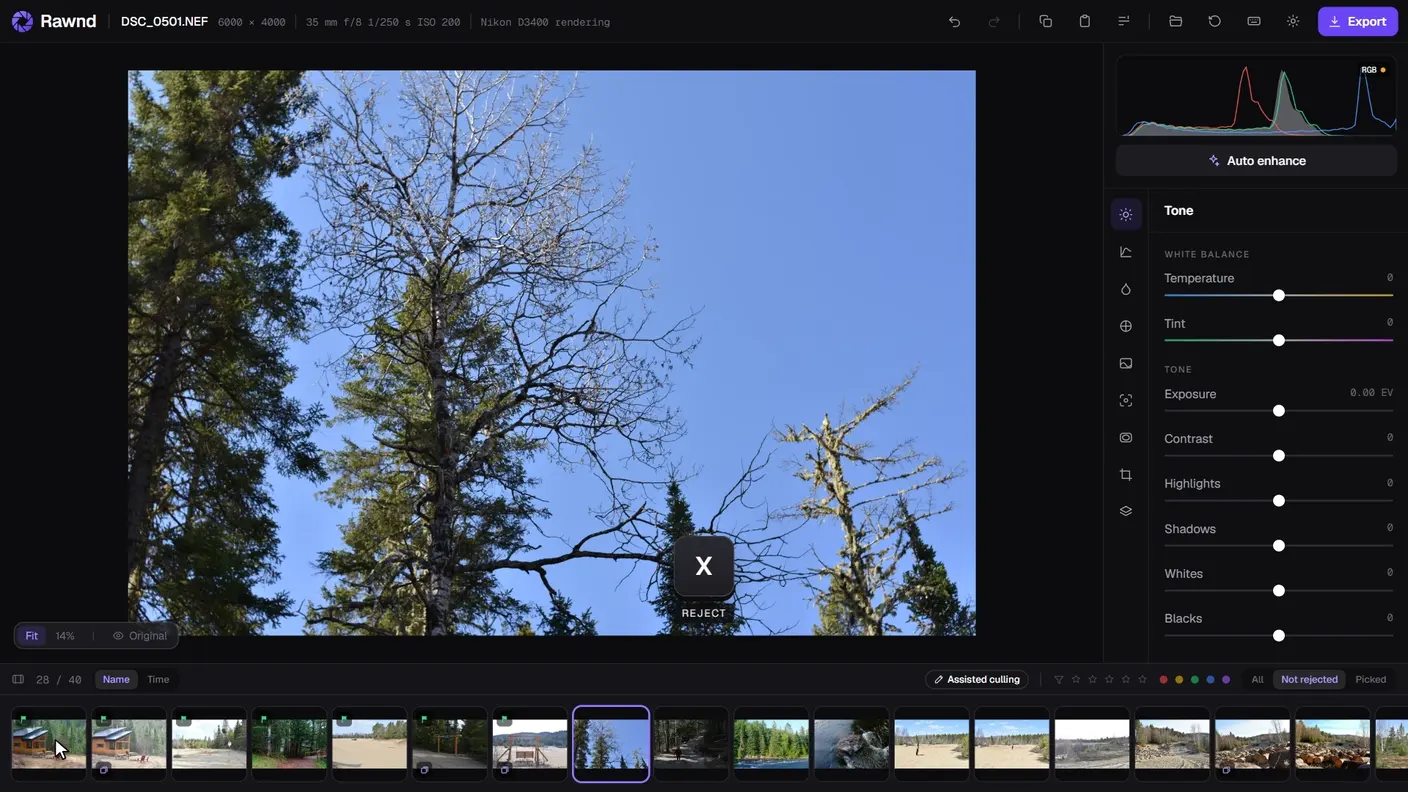
A folder opened, culled with two keys, developed and exported: in the browser, with nothing to install and nothing uploaded.
- Opens
- in about a second
- Offline
- after the first visit
- Your photos
- stay on your computer
- Photos uploaded
- 0
Where it runsAny computer with a browser
Made for the computer you actually have.
A Chromebook
Lightroom Classic does not run here, and the usual advice is to switch on Linux and install darktable. Rawnd opens in a tab.
Linux
No Lightroom at all. darktable and RawTherapee are excellent and take an evening to learn; Rawnd takes a minute, and works on the same files.
A work or school computer
You cannot install anything, but you can open a web page, which is all Rawnd needs. The photographs stay on that machine.
Three hundred holiday RAWs
You just want JPEGs. No converter that uploads your photos, no software installed for one afternoon. Exporting the whole folder at once is Pro: free to try for fourteen days.
One file, on this phone or any computer? Convert it on the RAW page →
How it worksCard in, JPEG or Lightroom out
Three steps, and no upload in the middle.
There is nowhere to upload to: Rawnd has no server. Everything below happens in your own browser, on your own machine.
- 01
Open the folder
Point the browser at the card, or at the folder you copied it to. The first photograph is decoded and on screen in about a second: no import, no catalogue, and no queue behind somebody else's four hundred frames.
- 02
Cull with two keys
P keeps a frame, X rejects it, and either one moves you on. Assisted culling groups the bursts and names the sharpest frame of each, so the eight hundred you shot become the forty you meant.
- 03
Export the sidecars
XMP beside the originals, or developed JPEGs into a folder. Lightroom opens the shoot already rated and already sorted, so this replaces nothing you own: it takes the worst evening of the week off you.
Any computer with a browser becomes a darkroom. Your photographs never leave it.
Culling Eight hundred frames
Then keep forty of the eight hundred.
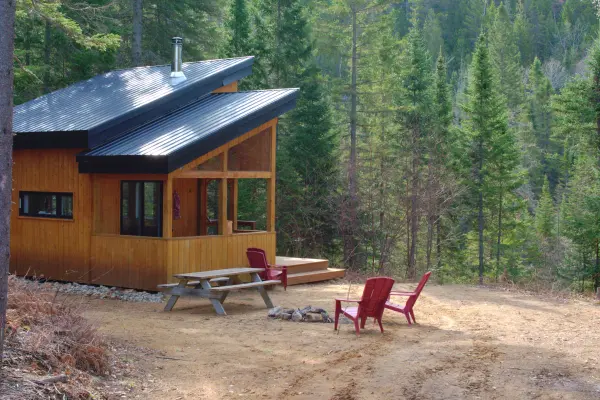
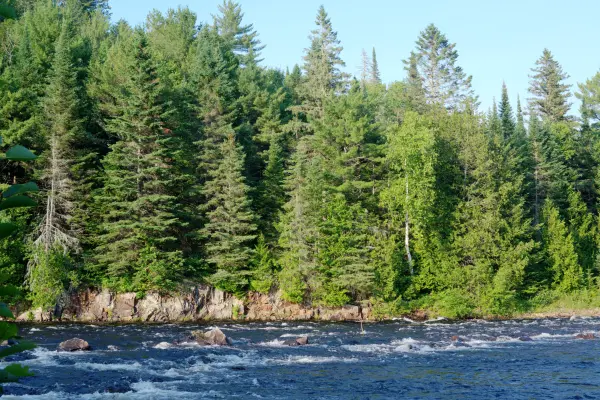
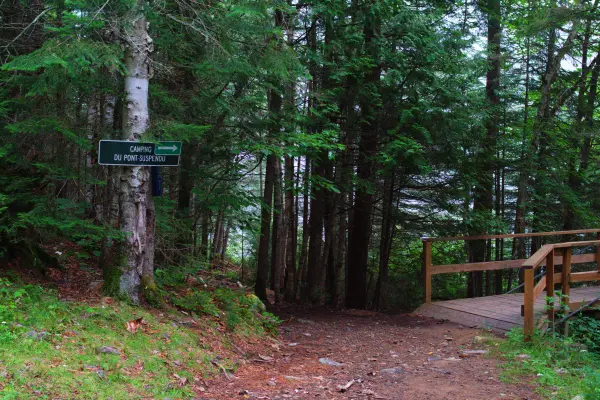
P keeps a frame, X rejects it, and either one moves you on: a decision costs one key, not two. Export XMP sidecars at the end and Lightroom opens the folder already sorted, so this replaces nothing you own. It takes the worst evening of the week off you.
 11A2
 2A3
 3A44A
 55A
 66A
4 keepers8 rejectsSee how culling works →
LimitsWhat it does not do
The honest list.
Camera colour profiles
Rawnd reads each body's tone curve from the JPEG it embeds in the RAW, but renders colour the same way for every camera. Close, and not what Lightroom gives you on a Canon file.
Lens corrections
Lateral chromatic aberration can be measured and removed. Distortion, vignetting profiles and defringing cannot, yet.
Where edits live
In this browser, on this computer. Your account holds an email address, not your edits, and nothing syncs, which is the price of the decision that keeps your photographs off a server.
Reopening a folder
One click, every session. A browser never hands a page standing access to a folder; you have to give it back each time. That is its rule, not ours.
NumbersWhat it costs you
The only figures that matter are zero.
Everything happens on your own computer.
Your photographs go nowhere.
They never leave your computer, and there is nowhere for them to go: Rawnd has no server. Nothing to send, nothing to wait for, and never the queue behind someone else's four hundred frames.
Offline, for real.
After the first visit, Rawnd keeps everything it needs. On a plane, on a train, at a wedding venue with no signal: you open it, and it works.
It goes the distance.
The two-hundredth frame opens as fast as the first. Rawnd hands back what it used as it goes, instead of slowing down and then giving up halfway through your shoot.
PricingFree to cull
Free to cull. Pro to finish.
Rate eight hundred frames, develop the keepers and export them one at a time: free, with no limit on how many. Pro is for the moment you stop working one photo at a time.
$0for as long as you like
Open, develop and export as many photos as you like, one at a time. No watermark, no export count, and the account is free.
Open a folder$6per month
Everything that acts on a selection: assisted culling, evening out a series, batch export, pasted settings and your own presets. Cancel any time, from the link in your receipt.
Subscribe$69once, no subscription
Exactly the same Pro, paid once instead of every month. Offered while Rawnd is young, and not again afterwards.
Take a place14 days to change your mindPriced in USD, paid in your currencyPro follows your account to each computer
AboutIn one paragraph
What is Rawnd?
Rawnd is a RAW photo editor that runs in a web browser. It opens, culls and develops RAW files in 16 camera formats (CR3, NEF, ARW, RAF, DNG and more) on any computer, with nothing installed and nothing uploaded: the photos are decoded on your own machine. Made by Matthieu Audo, online since August 2026, free to cull, with Pro at $6 a month.
Open a card. Nothing to install.
Ten seconds from now you are culling. Close the tab and your ratings are still here next time.
Rawnd runs on a desktop browser: it needs access to the folder your RAW files are in. Open this page on your computer. Or view and convert them on this phone →
Nothing uploaded · free to cull · free account