Culling, in a browser tab
Cull the whole RAW shoot. Install nothing.
Eight hundred frames, and perhaps forty worth developing. It does not need colour science. It needs a fast viewer, two keys, and somewhere for the result to go afterwards.
Rawnd runs on a desktop browser — it needs access to the folder your RAW files are in. Open this page on your computer.
Your browser will ask permission to open the folder. Nothing leaves it — Rawnd has no server to send it to.
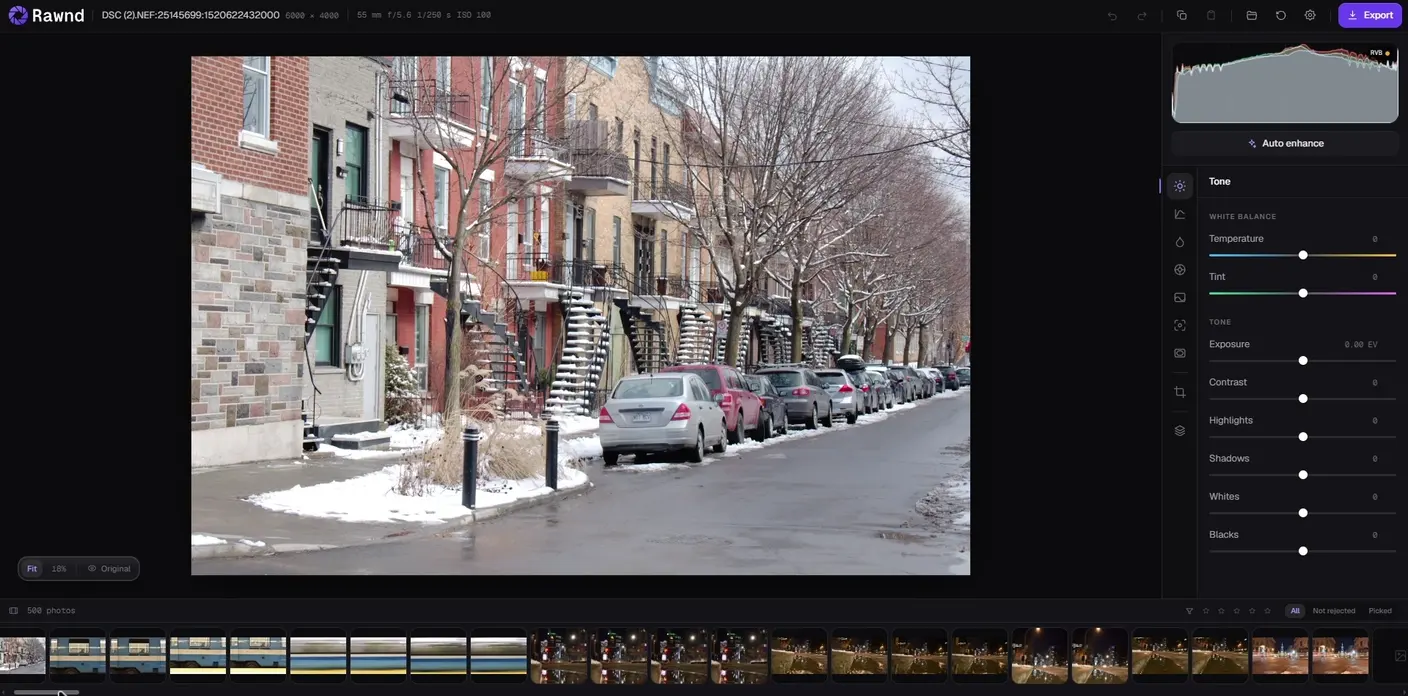
One click on the button above — and the shoot is open. Then culled, developed and exported. No install, no upload.
01 Culling Eight hundred frames
Then keep forty of the eight hundred.
P keeps a frame, X rejects it, and either one moves you on — a decision costs one key, not two. Export XMP sidecars at the end and Lightroom opens the folder already sorted, so this replaces nothing you own. It takes the worst evening of the week off you.
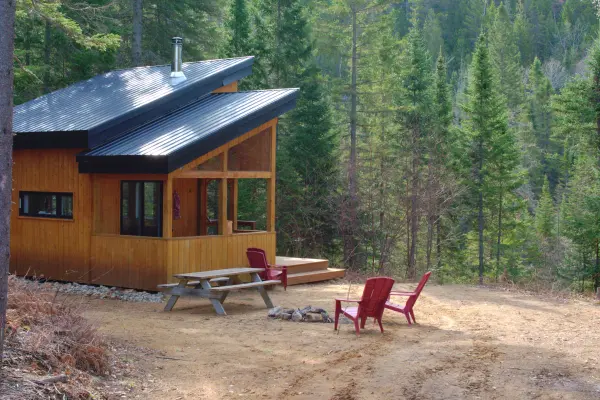 11A2
11A2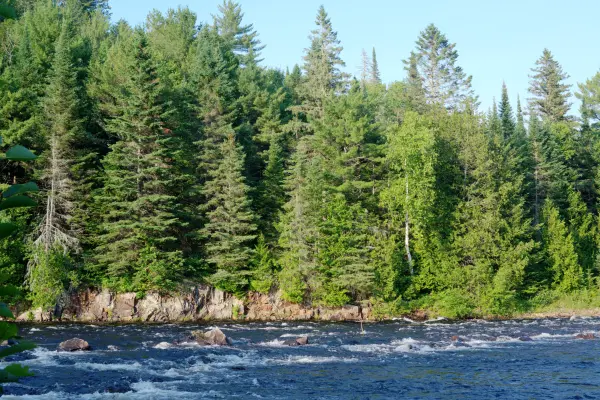 2A3
2A3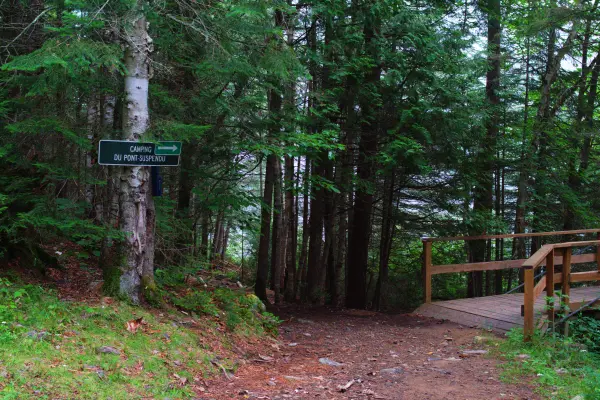 3A44A
3A44A 55A
55A 66A
66A4 keepers8 rejects
02 The keyboard One key each
A decision costs one key.
Culling is a rhythm before it is a judgement: look, decide, next. Anything that makes you reach for the mouse breaks it — so every decision here is a single key, and the two that matter most move you on by themselves.
- P
- Keep this frame, and go to the next one.
- X
- Reject it, and go to the next one.
- U
- Clear the flag — and stay put, because you came back to fix this one.
- ← →
- Move without deciding.
- 1 – 5
- Rate it. Stars and flags are separate, and both reach the sidecar.
- C
- Compare. Hold two frames side by side, then promote the one that wins.
- Esc
- Leave compare, keep the winner.
Every rating and reject is written the moment you press the key, into this browser's own storage. Close the tab in the middle of a shoot and the decisions are still there.
03 Getting it out XMP sidecars
The work leaves with you.
Culling that cannot be exported is culling done twice. Rawnd writes XMP sidecars beside your RAW files — ratings, rejects, crop and the basic develop settings — which Lightroom, Camera Raw and Bridge read on import.
So the sensible way in is not to replace anything: cull here, on whatever machine you have, then open the folder in the editor you already own and find your selection waiting. A rejected frame leaves as a rating of −1, the convention Bridge established and Lightroom reads, so your rejects arrive as rejects rather than as a decision you have to make twice.
It is also why Rawnd is priced as an addition rather than a replacement. It is not trying to be the last program your photographs pass through, and the sidecar is the proof of that.
What is actually in one
Written
- The rating, one to five stars
- The reject flag, as a rating of −1
- Crop and straightening angle
- Exposure, in stops, on Camera Raw's own scale
- Contrast, highlights, shadows, whites and blacks
- Texture, vibrance and saturation
- Sharpening and luminance noise reduction
Not written
- White balance. Rawnd's slider is an offset from what the camera recorded and Camera Raw's is absolute Kelvin; guessing between the two would land every photograph on a colour cast nobody asked for. Lightroom opens on As Shot instead, which is where the file started.
- The tone curve, HSL, masks, vignette and defringe. Each is representable and each is a mapping worth getting right on its own rather than approximating in a first pass.
04 Compared Where it sits
Against what you would otherwise open.
Culling has three good desktop answers, and all three cost money and disk space. Rawnd is not better than them at what they are for. It is the one you can be using ninety seconds from now, on a machine that is not yours.
| Rawnd | Photo Mechanic | FastRawViewer | Lightroom | |
|---|---|---|---|---|
| What you install | Nothing — a tab | A desktop app | A desktop app | A desktop app |
| Culling costs | Free | A subscription | Paid once | In the subscription |
| Develops the RAW | Yes | No — it browses | Basic | Yes |
| Writes XMP sidecars | Yes | Yes | Yes | Yes |
| Photos leave the machine | Never | Never | Never | With cloud sync |
| Usable on a borrowed laptop | Yes | No | No | No |
Photo Mechanic is about fifteen dollars a month, FastRawViewer about twenty-five once, and Lightroom arrives inside a photography plan. Checked in August 2026.
Each of these has a page of its own:AftershootPhoto MechanicFastRawViewerLightroom
Where they win
Photo Mechanic ingests and renames a card faster than anything else and handles IPTC properly, which matters if you file for an agency. FastRawViewer draws its histogram from the actual RAW data rather than an embedded preview, which is the honest way to judge an exposure. Lightroom has camera profiles and lens corrections, and Rawnd has neither — it says so on its own front page. If you already own one of them, this is what you open when it is not on the computer in front of you.
05 Questions Before the shoot
Common questions
Is there free photo culling software?
This is one. Rawnd culls any number of photographs for free, with no account, no trial and nothing to install — rating, rejecting, comparing, developing and exporting a single photograph are free for ever, XMP sidecars included. Paying changes only what happens across a whole selection at once: batch export, and pasting one edit onto many frames.
Can I cull RAW photos without Lightroom?
Yes, and it is usually the faster order of operations. Culling is a different job from developing: it wants speed and two keys, not a catalogue. Sort the shoot here, export XMP sidecars, then open the folder in Lightroom with the selection already made and only the keepers left to work on.
Will Lightroom read an XMP sidecar written by Rawnd?
Yes. The sidecars are written in Camera Raw's own schema at process version 2012 or later, so Lightroom, Camera Raw and Bridge read the ratings, the rejects, the crop and the basic develop settings on import. Capture One reads ratings and crop from the same files. What does and does not travel is listed in full above.
How fast is culling a whole shoot in a browser?
A photograph opens in about a second, and the two-hundredth opens as fast as the first — Rawnd hands memory back as it goes instead of slowing down and giving up halfway through. After that the keyboard sets the pace, not the decoder.
Are my photos uploaded when I cull them online?
No, and there is nowhere for them to go: Rawnd has no server to receive them. The folder is read inside the page, on your own machine. Most tools that cull or convert online work the other way round and need your files on their server first.
Where do my ratings live, and do they survive closing the tab?
In this browser, on this computer, written the moment you press the key. Close the tab mid-shoot and the decisions are waiting next time. They do not sync between machines — that is the price of the decision that keeps your photographs off a server — so export the sidecars when you are done.
06 Formats Whatever your camera writes
Fifteen negatives, one tab.
Open a card. Nothing to install.
Ten seconds from now you are culling. Close the tab and your ratings are still here next time.
Rawnd runs on a desktop browser — it needs access to the folder your RAW files are in. Open this page on your computer.
No account · nothing uploaded · free to cull